



Useful words. Right on your desktop.
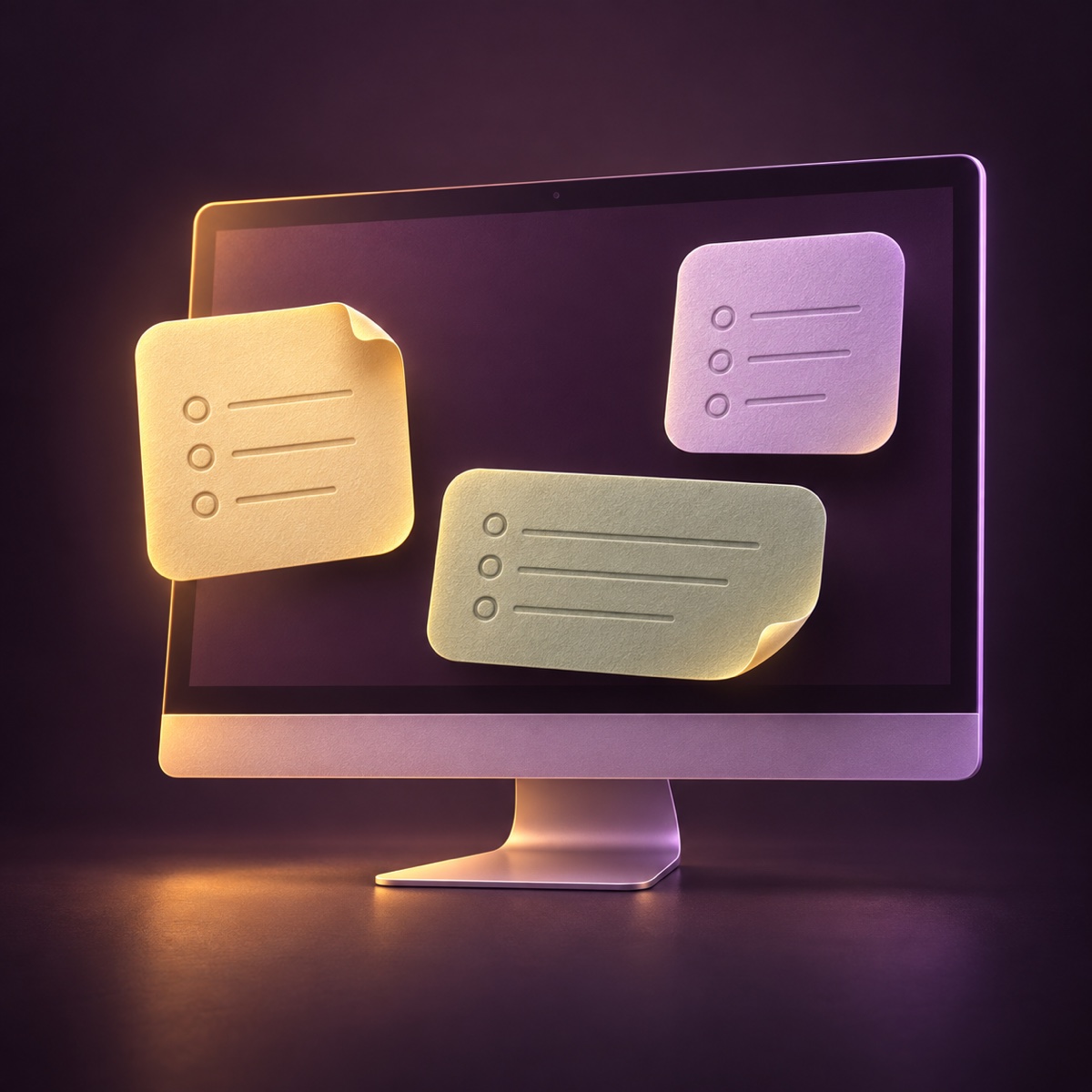
The few things for today. A list for dinner. A thought you’d quite like to keep. Give each one a widget, instead of another window to lose it behind.
Choose from four widget sizes, from small to extra large. Keep things neutral, or pick a little colour. Your desktop, your call.
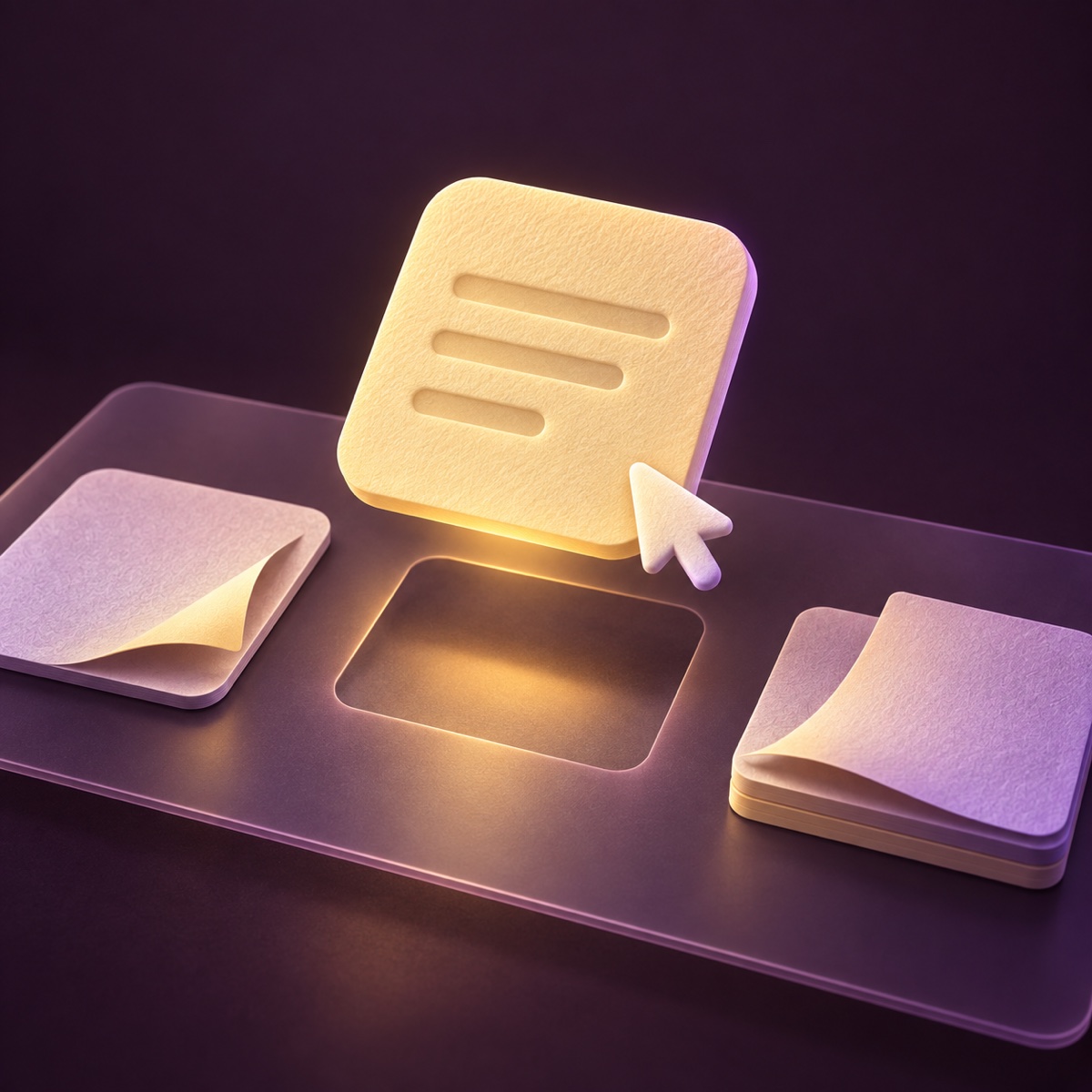
A few clicks from your head to your desktop.
- Write a Scrib. Open the app, add your words, and choose a colour.
- Add a widget. Control-click your Mac desktop, choose Edit Widgets, and find Scribs in the widget gallery.
- Choose what it shows. Control-click the widget, choose Edit Widget, and select your saved Scrib.
One small place for the things taking up too much space upstairs.
A little formatting. Not a whole occupation.
Write in the editor and see the preview as you go. Use simple Markdown for headings, emphasis, links, lists, and checklists. Find a Scrib in your library when it needs a change.
No folders to organise before you can write “bring lemons”.
Three Scribs free. No subscription.
Start with three saved Scribs, including widgets, colours, and formatting. One purchase unlocks more Scribs and iCloud sync across your Macs.
A small app. Not another monthly arrangement.
Your words stay yours.
Scribs stores your writing on your Mac, and in your private iCloud storage when sync is enabled. BitSize doesn’t receive what you write.
No separate account. No ads, analytics, or tracking.
A note you can actually find
Follow the desktop notes guide, or put a checklist on your Mac desktop for the things you want to check off.
How do I add a desktop widget?
Create a note in Scribs, then Control-click your desktop and choose Edit Widgets. Add a Scribs widget and choose the note it should show.
Can I write directly in the widget?
Edit your writing in Scribs. The widget keeps your saved note visible on the desktop.
What is free, and what does the upgrade add?
Three saved Scribs, including widgets, colours, and formatting, are free. One purchase unlocks more Scribs and iCloud sync across your Macs. The purchase screen shows your regional price before you buy.
Does it work on iPhone or Windows?
Scribs is for Mac, with macOS 14 or later.